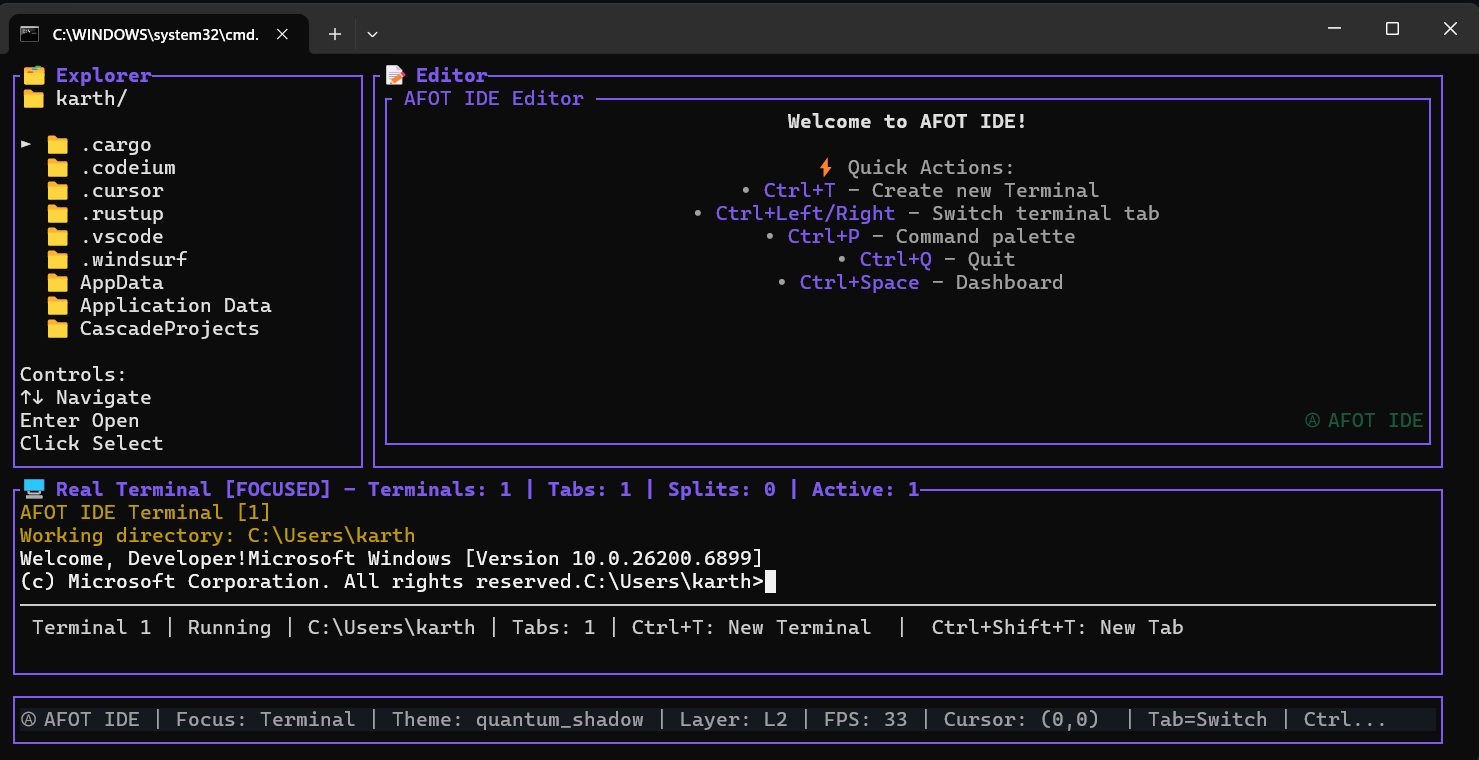

AFOT-IDE
Lightning-fast, keyboard-driven terminal IDE combining a powerful file explorer, code editor, and integrated terminal with multi-tab support. Built for developers who value speed, efficiency, and a distraction-free coding environment.




Lightning-fast, keyboard-driven terminal IDE combining a powerful file explorer, code editor, and integrated terminal with multi-tab support. Built for developers who value speed, efficiency, and a distraction-free coding environment.
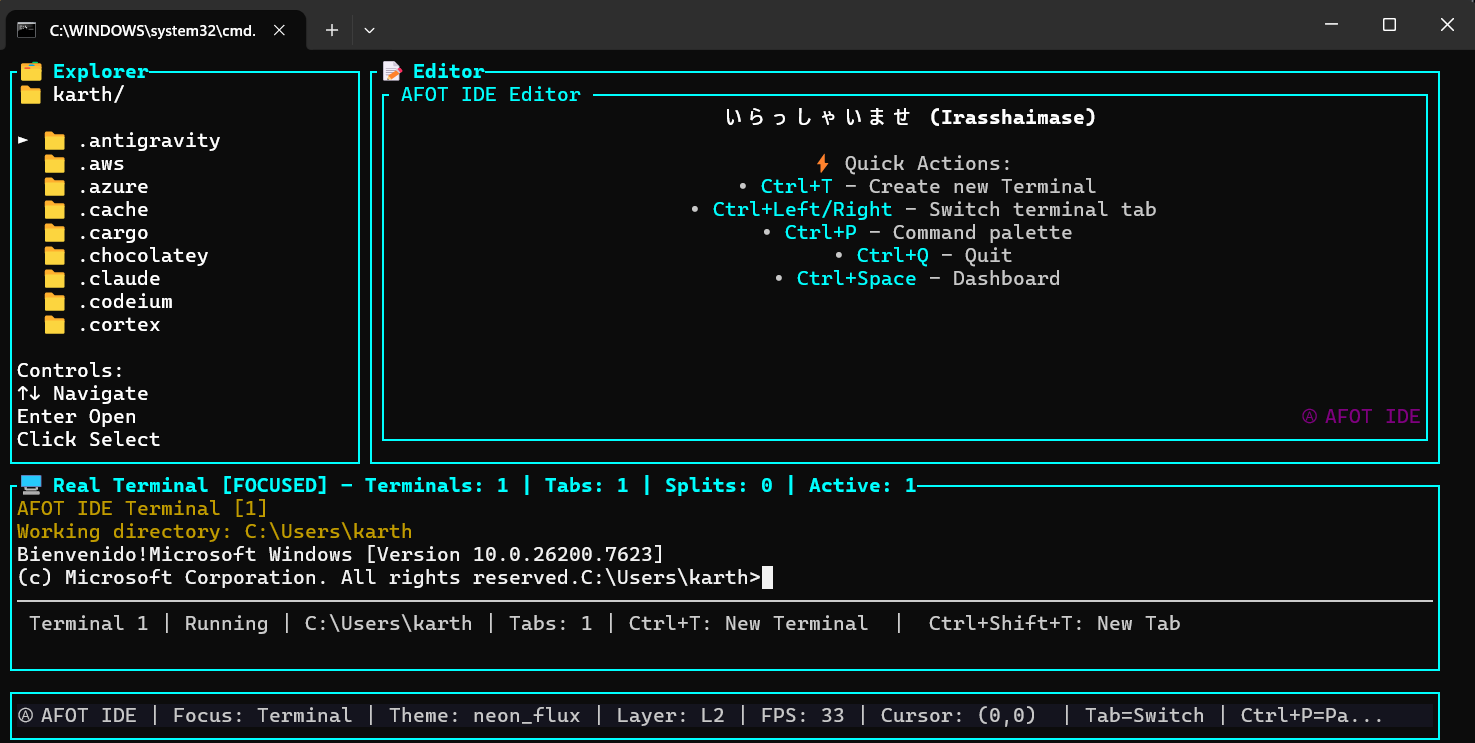
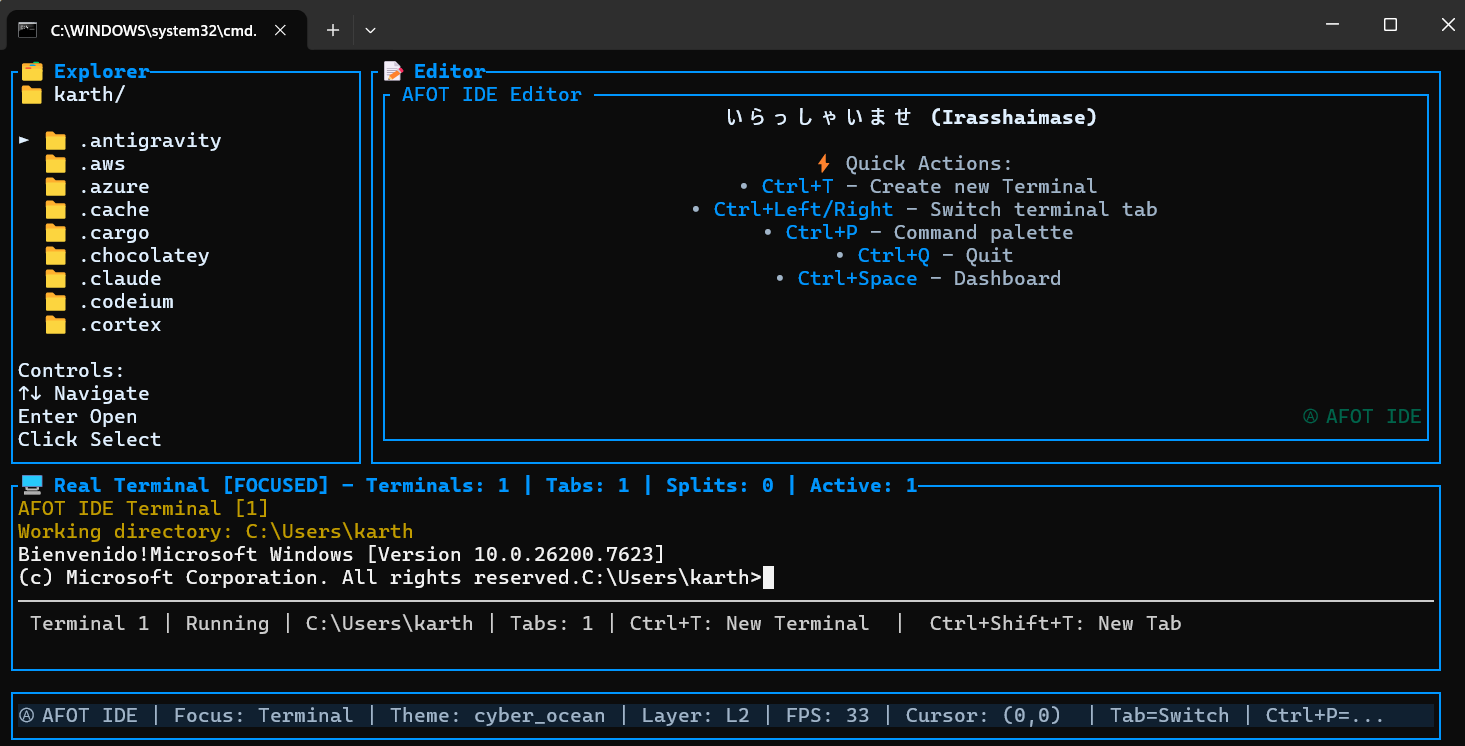
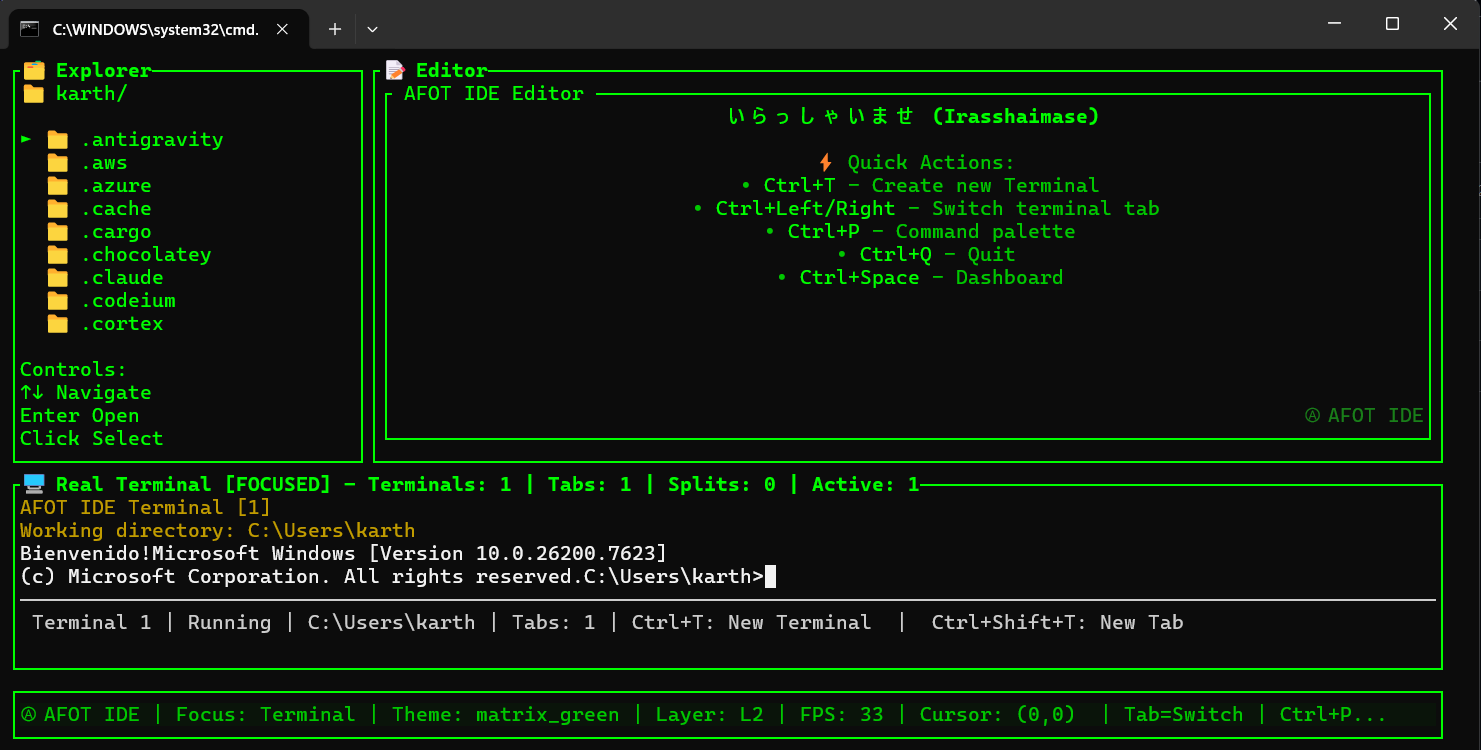
Terminal-native architecture with minimal resource usage. Launch in milliseconds and enjoy smooth editing even on low-end systems. Single binary under 10MB with no dependencies required.
Navigate, edit, and execute commands without ever touching the mouse. Every action has a keyboard shortcut. Designed for developers who value efficiency and speed in their workflow.
Real PTY terminal with multi-tab support built right in. Run shell commands, manage processes, and work with multiple terminal sessions simultaneously. Supports bash, zsh, PowerShell, and more.
Fast directory navigation with intuitive keyboard shortcuts. Browse large project structures efficiently, open files instantly, and traverse directories with lightning speed.
Syntax-aware text editing with auto-indentation for clean code. Line-by-line navigation, page scrolling, UTF-8 support for international characters, and essential editing features.
Works seamlessly on Linux, macOS, and Windows. Perfect for remote servers, SSH sessions, and local development. One tool for all your platforms.
# Download the package

wget https://github.com/ALL-FOR-ONE-TECH/AFOT_IDE/releases/download/v1.0.0/afot-ide_1.0.0_amd64.deb


# Install

sudo dpkg -i afot-ide_1.0.0_amd64.deb


# Fix dependencies if needed

sudo apt -f install -y


# Launch AFOT-IDE

AFOT-IDE
# Download the Windows installer (.msi) from the releases page

# Double-click the installer to install

# Or install via PowerShell/Command Prompt


# Then launch AFOT-IDE

AFOT-IDE
# macOS support coming soon!

# For now, you can build from source

# Check the GitHub repository for build instructions